Recording the Best Voice
A practical best-practices guide for voice actors and contributors on Workbolt — how to pick a quiet room, reduce noise, choose the right microphone, and record clean takes the AI models you're training will actually learn from.
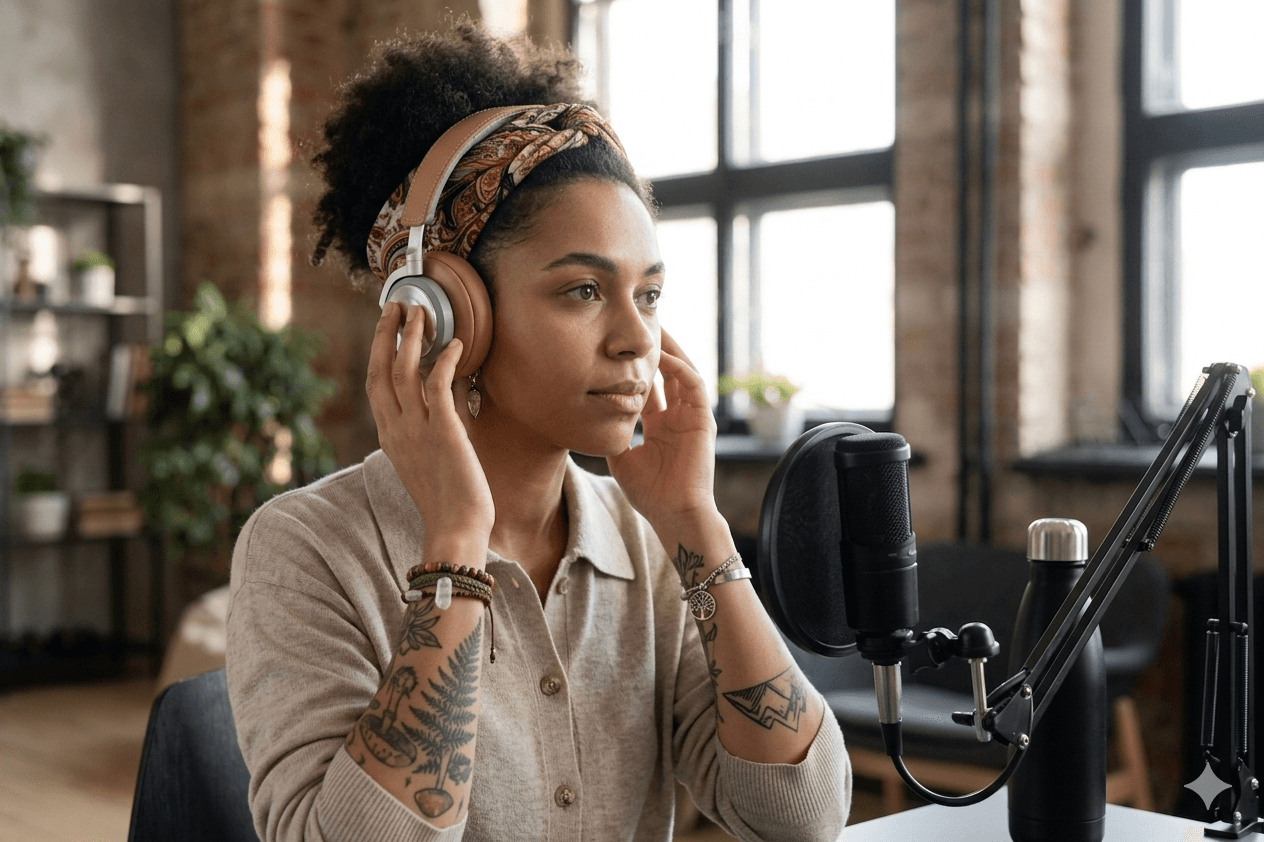
This guide is for you — the voice actors, narrators, and contributors recording tasks on Workbolt. You don't need to worry about sample rates, file formats, or what happens to your recording after you hit submit — our app handles all of that. What you do control is everything before the microphone: the room, the mic, your technique, and the habits you bring to every session. That's what decides whether your recording becomes training-grade data or gets rejected.
The best voice experts on Workbolt aren't the ones with the most expensive gear or the most beautiful voices. They're the ones whose setup is boring, quiet, and identical every time they sit down to record. This post is how to become one of them.
Why recording quality matters so much for AI
Every recording you submit on Workbolt becomes a row in a training dataset for a speech model — the systems that power voice assistants, call-center agents, audiobooks, accessibility tools, and dubbing. Humans can tune out a fridge hum or a bit of reverb. AI models cannot. They learn exactly what you give them, including any noise, echo, or mouth click that sneaks in.
That's why clean, consistent recordings are worth so much more than "pretty good" recordings. A file that's technically perfect but boring will always be more valuable to the model than a file with a great performance and background hiss.
The rest of this post is the practical playbook.
1. Start with a quiet room — always
You can't fix a noisy room after the fact. The single biggest difference between a top-earning voice expert and everyone else is where they record, not how they record.
Pick the smallest, softest room you have
Sound bounces off hard, flat surfaces. The more soft material in a room, the less echo you capture.
- Best: a walk-in closet full of hanging clothes. Seriously — this is a pro trick that costs zero dollars.
- Good: a bedroom with a made bed, curtains, a rug, and a wardrobe.
- Bad: a kitchen, bathroom, garage, or empty home office. Tile floors, bare walls, and high ceilings are the enemy.
If you only have one room, record from the corner with the most soft furniture, facing into the corner — not out into the open room.
The clap test
Stand where you'll record and clap once, loudly. If you hear any ringing or echo after the clap, your room still has too much reverb. Add more soft stuff: blankets over chairs, pillows on the desk, a duvet on a mic stand behind you.
Kill every noise source before you hit record
Spend 60 seconds killing background noise before every session:
- Turn off fans, AC, and air purifiers for the length of the recording.
- Close the fridge door and wait 20 seconds for the compressor to settle — or record in a room far from the kitchen.
- Close windows if you're anywhere near traffic, construction, or neighbors.
- Put your phone on Do Not Disturb. Notification beeps will sneak in.
- Pause anything with a fan — desktops, game consoles, space heaters, projectors.
- Watch for LED bulbs and dimmers — some cheap ones buzz quietly at frequencies humans barely notice but microphones pick up clearly.
- Ask housemates to hold off on vacuuming, laundry, and loud calls for your recording window.
A room that feels quiet to you often isn't quiet to a microphone. When in doubt, record 10 seconds of silence and play it back loud on headphones — you'll hear everything your room is leaking into the mic.
2. Choose a microphone that fits your room
There's no single "best" microphone — the right mic depends on your room. Here's how to choose.
Two types, two use cases
- Condenser mics are sensitive and detailed. They capture the full richness of your voice, which is great — if your room is quiet and treated. In a noisy room, they'll capture all the noise too.
- Dynamic mics are less sensitive and reject background noise better. They're the safer choice if your room isn't perfect. Broadcasters and podcasters use them for a reason.
Rule of thumb: If your room is a treated closet or well-furnished bedroom with no background noise, use a condenser. If your room has any noise issues you can't fully solve, use a dynamic.
A shortlist that actually passes Workbolt QA
These are the mics we see our top voice experts using. None are sponsored — they're just what works.
| Budget | Model | Type | Price | Why it works |
|---|---|---|---|---|
| Starter | Fifine K669 | USB condenser | ~$40 | Clean sound for the price. Needs a treated room. |
| Starter | Samson Q2U | USB + XLR dynamic | ~$70 | Forgiving of noisy rooms. Upgrade path later. |
| Mid | RØDE NT-USB+ | USB condenser | ~$170 | Very clean, easy setup, great default choice. |
| Mid | Shure MV7 | USB + XLR dynamic | ~$250 | Broadcast-quality dynamic. Excellent for untreated rooms. |
| Pro | RØDE NT1 5th Gen | XLR condenser | ~$250 | Extremely low self-noise. Studio-grade. |
| Pro | Shure SM7B | XLR dynamic | ~$400 | The podcasting and broadcast standard. |
Important: a $400 mic in a bad room will always sound worse than a $70 mic in a great room. If you're starting out, fix the room first and upgrade the mic later — you'll earn the upgrade back in a few weeks of tasks.
Accessories that punch above their price
Two cheap additions will make your recordings dramatically better:
- Pop filter (~$10): a nylon mesh screen between your mouth and the mic. It stops the puff of air on P and B sounds from hitting the capsule. A sock stretched over a coat hanger works in a pinch.
- Shock mount (~$15–30, often included): isolates the mic from desk thumps, typing vibration, and building rumble. If your mic is rigidly attached to a stand sitting on the same desk as your keyboard, every tap travels straight into the recording.
Add a sturdy boom arm or mic stand so your mic stays in exactly the same place every session.
3. Mic technique — the biggest free upgrade you can make
Two people with identical equipment produce wildly different recordings because of how they use the mic. Three habits cover 90% of it.
Stay 4–8 inches from the mic
- Too close (under 3 inches): your voice booms unnaturally, plosives pop, every breath dominates.
- Too far (over 12 inches): the room takes over. More reverb, more background noise, quieter voice.
- Sweet spot: about 6 inches — roughly the width of your outstretched hand from pinky to thumb — from your mouth to the front of the mic.
The exact number matters less than staying there. A fixed mic stand or boom arm is far better than holding the mic, because your distance will drift without you noticing.
Speak slightly past the mic, not directly into it
Point the mic almost at your mouth, but angled 15–30° off to the side — as if you're aiming at your cheek, not your lips. This keeps plosives from punching the capsule and takes a bit of harshness off "S" and "T" sounds. It's the single best trick for sounding more professional with any mic.
Stay still
The moment you lean forward, your voice gets louder. The moment you turn your head, it gets quieter and duller. Set your posture before you hit record and hold it. If you need to move the script or scroll, do it during a pause, not mid-sentence.
4. Always wear wired headphones while recording
Never record without monitoring yourself in headphones. Wearing headphones while you speak is the single best way to catch problems in real time — before you've recorded a full take and have to redo it.
With headphones, you'll catch:
- Background noise you can't hear in the room.
- Mouth clicks, smacks, breath pops.
- Your voice drifting too loud or too quiet.
- A fan you forgot to turn off.
Use wired, closed-back headphones. Not AirPods. Not Bluetooth.
- Closed-back stops sound from your headphones leaking back into the mic.
- Wired removes latency — a Bluetooth delay will make it impossible to judge your own performance.
Solid affordable options: Audio-Technica ATH-M40x, Sony MDR-7506, Beyerdynamic DT 770 Pro.
5. Habits that make every session sound like the last one
Across a whole dataset, consistency beats brilliance every time. A hundred recordings that all sound the same are more valuable than a hundred recordings where each one sounds slightly different.
Lock down the things that drift:
- Same mic, same stand, same position, every session. Don't move the mic around the desk.
- Same room, same time of day if you can. Traffic noise, HVAC patterns, and family activity all change throughout the day.
- Same distance and angle to the mic. Mark the spot on your desk with a piece of tape if it helps.
- Same clothes, roughly. A noisy fabric (nylon, leather, loose jewelry) changes every recording. Soft cotton is best.
- Same posture. If you record standing, always stand. If you sit, sit the same way.
- Same hydration and warm-up. A glass of water and a couple of tongue-twisters before you hit record makes your voice behave the same way it did yesterday.
6. Leave a second of silence at the start and end
Before you start speaking and after you finish, leave about one second of silence in the recording. Don't talk, don't move, don't rustle paper. Just sit still and let the room be the room.
Those seconds of silence help our pipelines trim your file cleanly and align it to the transcript. Cutting a file too tight at the edges is a common cause of redos, and an extra second on each end costs you nothing.
7. Avoid the things that seem helpful but aren't
A few "improvements" that actually hurt your recordings:
- Noise-suppression software (Krisp, NVIDIA Broadcast, RTX Voice, Discord noise gate, macOS Voice Isolation). Turn all of it off while recording on Workbolt. These tools remove noise — but they also chew up the high-frequency detail of your voice and introduce weird artifacts the model learns. A noisy real recording is better than a "clean" processed one for training.
- "Warmth," "clarity," or "AI enhancement" modes on your mic or software. Turn them off. Record flat.
- Voice-changing filters, EQ presets, reverb, compression. None of them. Ever.
- Recording from a coffee shop, car, or outdoors. No matter how quiet it seems, it's not training-grade.
- Holding the mic by hand. Hand noise travels. Use a stand.
When in doubt: boring and untouched is better than processed.
The short version
If you remember one page of this post:
- Record in the smallest, softest, quietest room you can find.
- Turn off every fan, appliance, and phone before you start.
- Use a cardioid condenser in a treated room, a dynamic mic in a less-treated one.
- Stay 6 inches from the mic, angled slightly off your mouth, with a pop filter in front.
- Wear wired closed-back headphones and monitor yourself live.
- Same setup, same spot, same posture — every single session.
- Read the brief, rehearse once, leave a second of silence at each end.
- Turn off every noise-suppression and "enhancement" tool.
- 30-second listen-back before you submit.
Do these consistently and your recordings will be exactly what the models — and the teams training them — are paying for.
Ready to put this to work? Browse open voice tasks if you're already on Workbolt, or apply to the Expert Network if you're not. Either way, your next recording can be your best one yet.